Video
Text, image, or references to video.
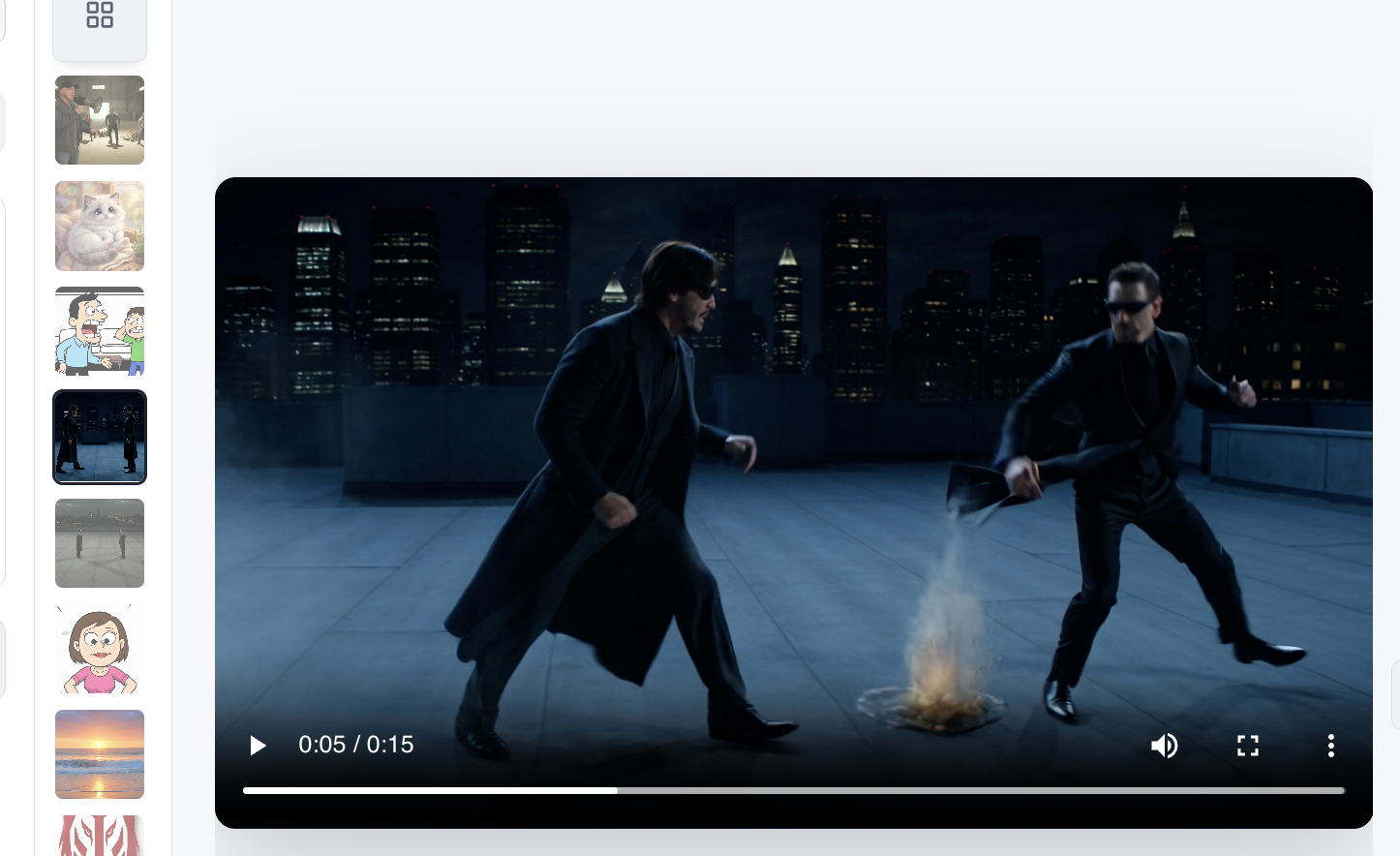
Generate short videos from text, a single image, or up to 7 references. Storyboard mode keeps character and scene continuity across clips; First/Mid/Last buttons copy keyframes from results.
An AI studio for the way you actually iterate. Generate images in Classic, fan out in Node, create videos with Grok, and clean up in Canvas. Free ChatGPT + SuperGrok is all you need.
Don't have Node.js? The script detects your environment, installs Node LTS if needed, then installs ima2-gen.
curl -fsSL https://lidge-jun.github.io/ima2-gen/install-mac.sh | bashirm https://lidge-jun.github.io/ima2-gen/install-windows.ps1 | iexcurl -fsSL https://lidge-jun.github.io/ima2-gen/install-linux.sh | bash
Classic for one strong frame or a multimode batch. Node for a tree of variations from a parent you locked in. Canvas for cleanup before the next prompt.
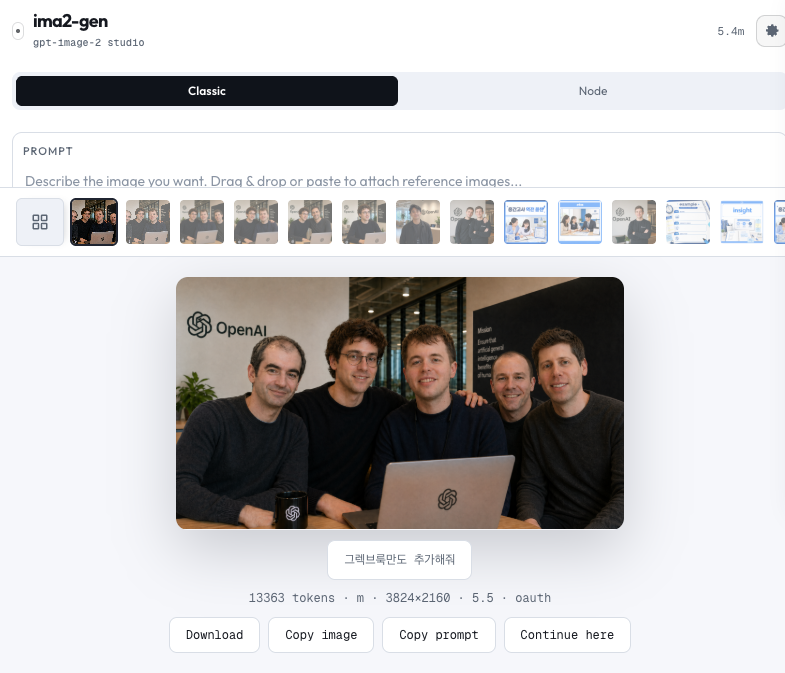
Write, attach up to five references, generate one result or several multimode slots. Iterate until it lands. Continue from any result.
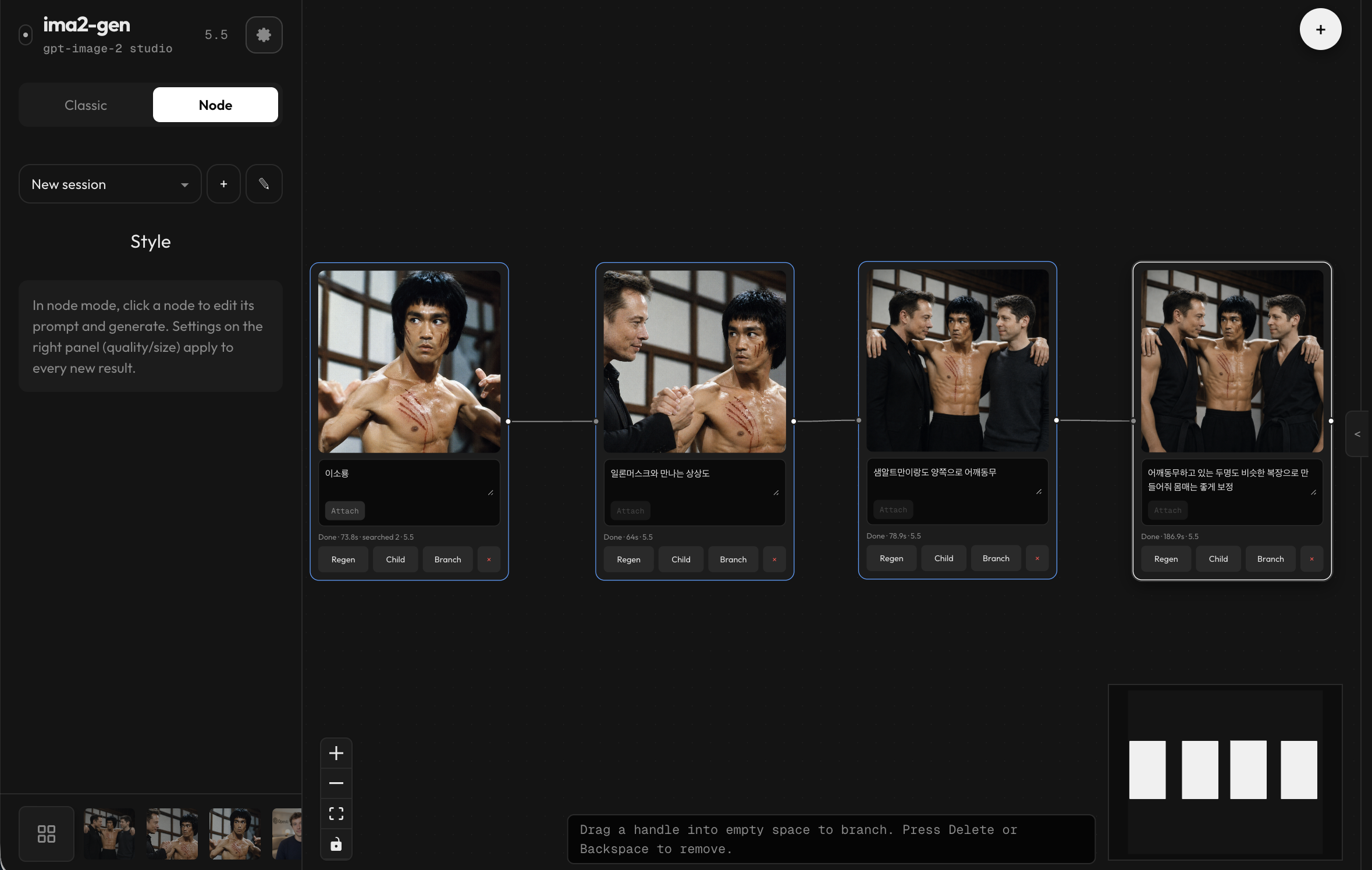
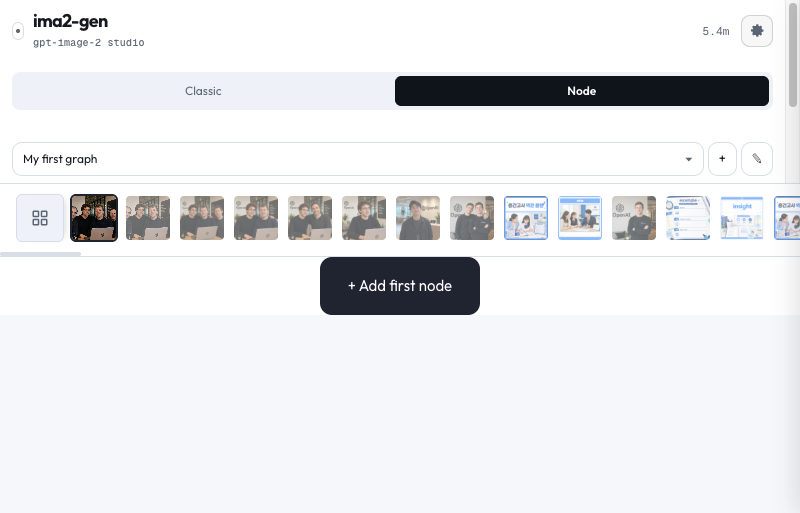
Lock a parent. Fan out children — palette, framing, copy. Compare side by side. Running branches recover by request ID.
Grok Video with storyboard continuity and keyframe copy, multimode candidate slots, Canvas Mode cleanup, and prompt-library imports from files, GitHub folders, and curated sources.
Generate short videos from text, a single image, or up to 7 references. Storyboard mode keeps character and scene continuity across clips; First/Mid/Last buttons copy keyframes from results.
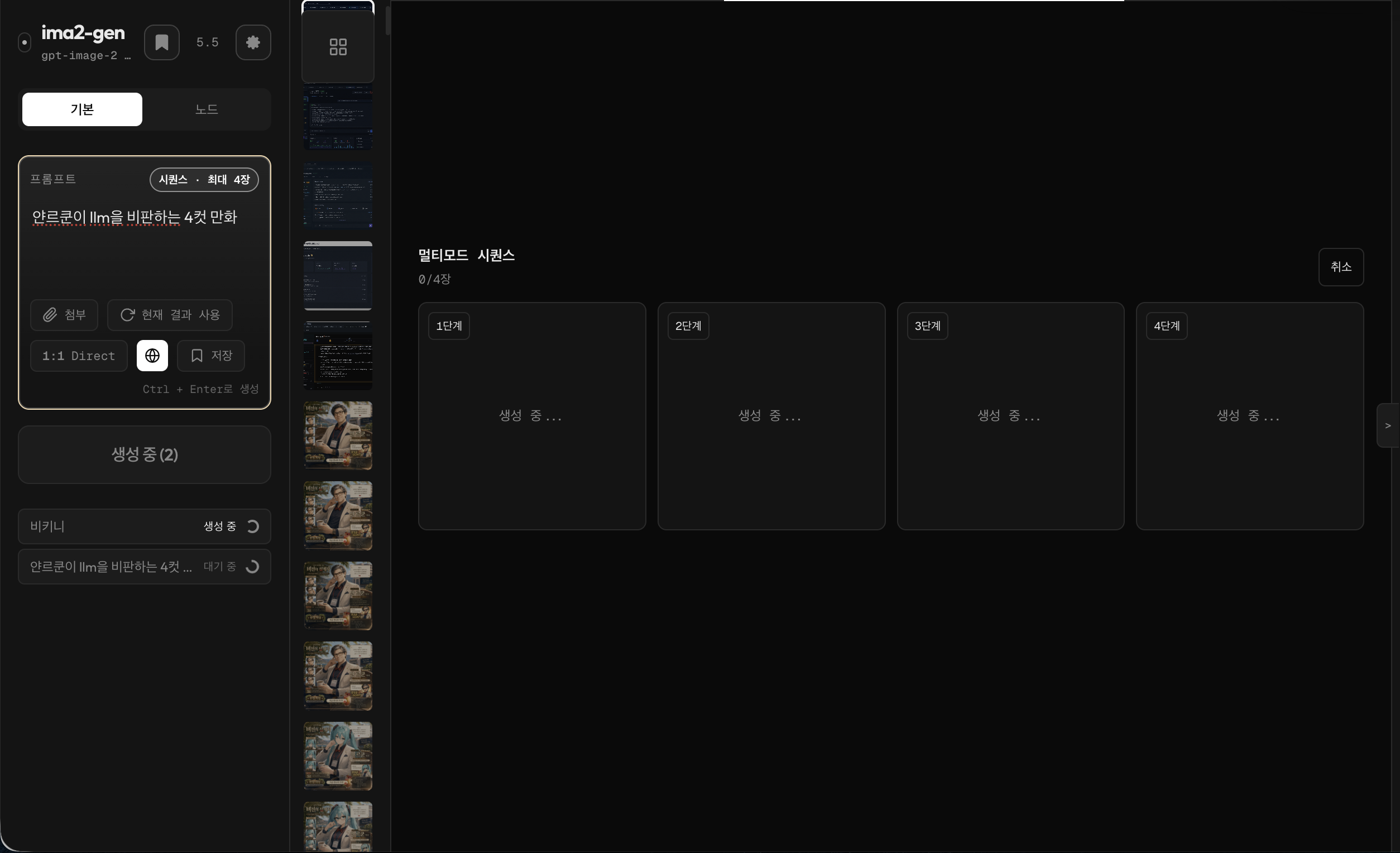
Run a sequence from Classic mode, watch each slot progress, cancel when needed, and continue from the strongest result.
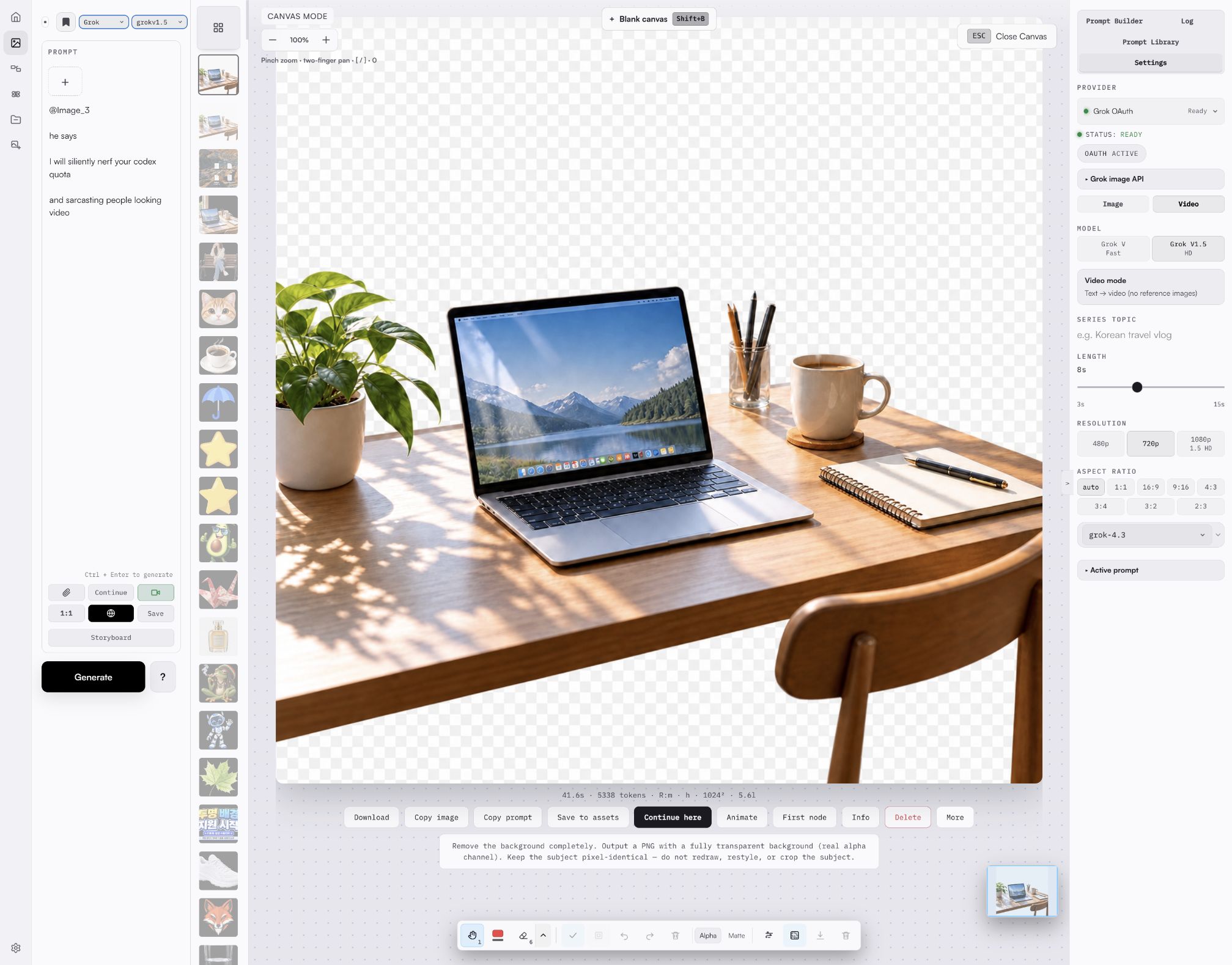
Pan around a zoomed image, annotate with live hover feedback, clean backgrounds, and remove the background in one click with GPT transparency — the server verifies real pixel alpha before it tells you it worked.
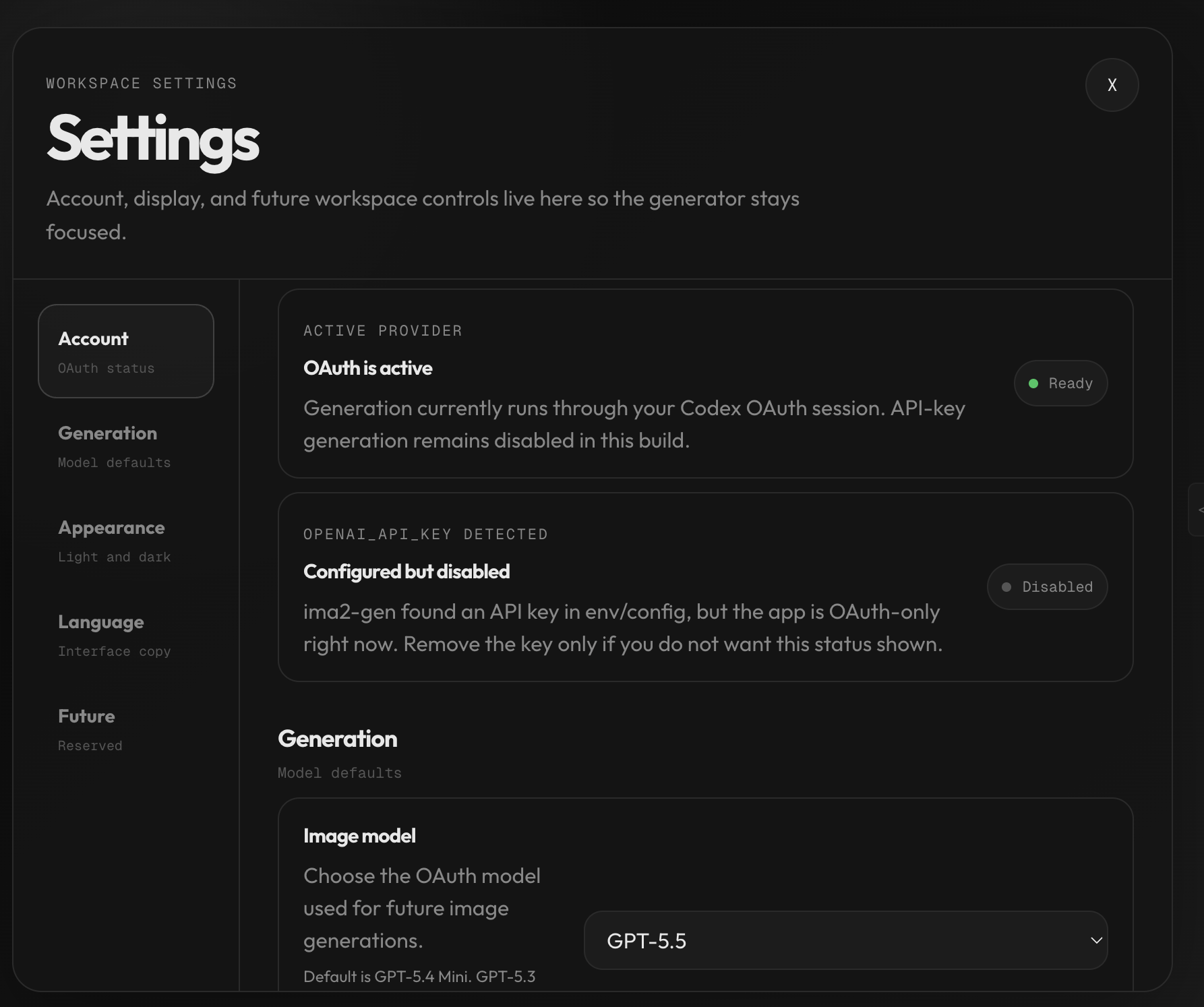
A token-based light mode with tinted neutrals joins the dark studio. Switch light, dark, or system in Settings — applied before first paint, AA contrast throughout.
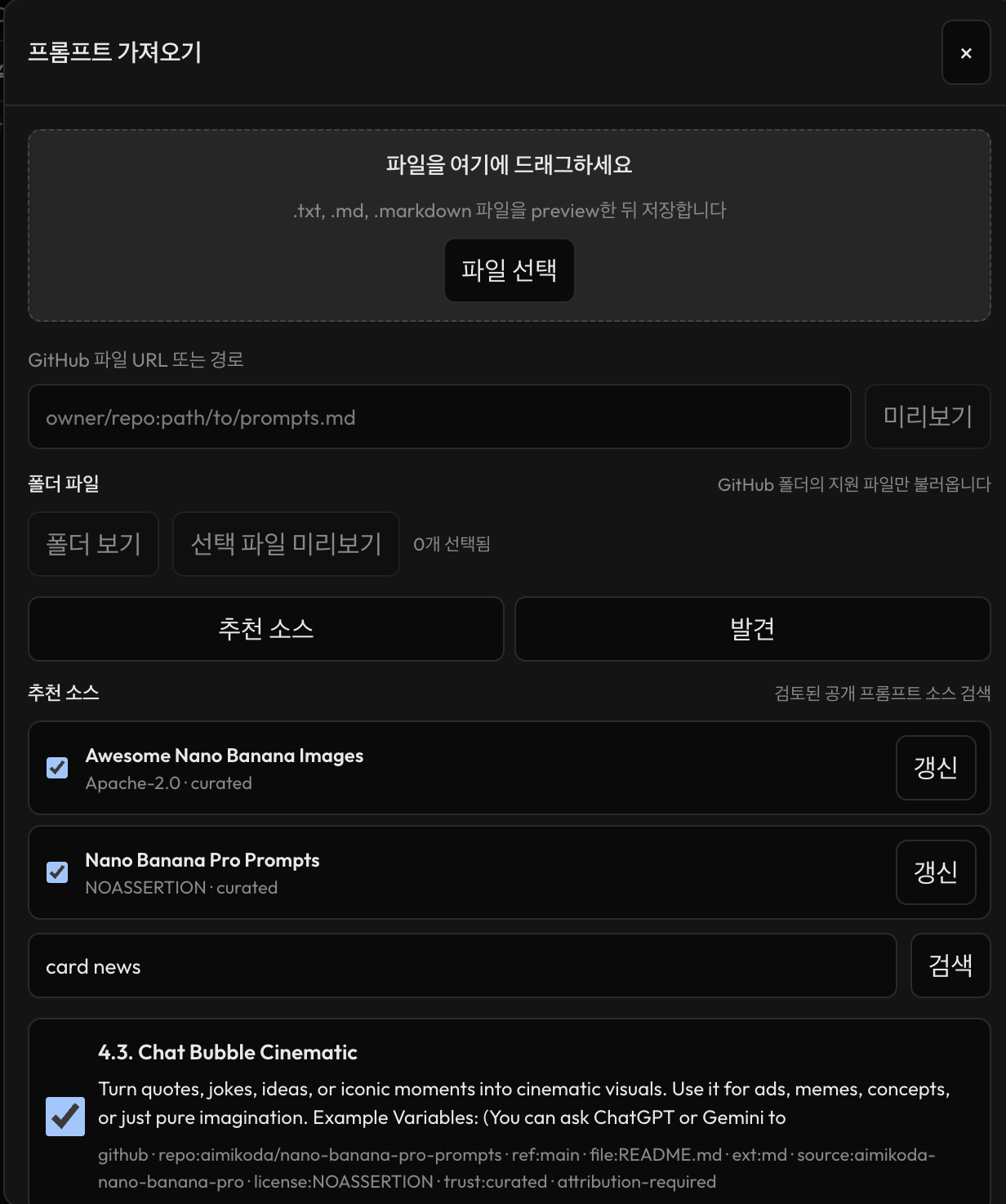
Use the import dialog to drop files, preview GitHub folders, refresh curated sources, and review searched candidates before adding selected prompts to the library.
Three packaged skills teach AI agents to build production frontends: core CLI prompting, frontend implementation (assets, motion, responsive, a11y, anti-slop), and design direction discovery (image-first ism workflow, UX states, product personalities). Run ima2 skill ls to discover them.
Locking the parent and fanning out children is how visual ideas actually develop. ima2-gen makes it the default.
Start with your free ChatGPT login or a SuperGrok subscription. No API key needed. Generated images, videos, and sessions stay on your disk — not on someone else's.
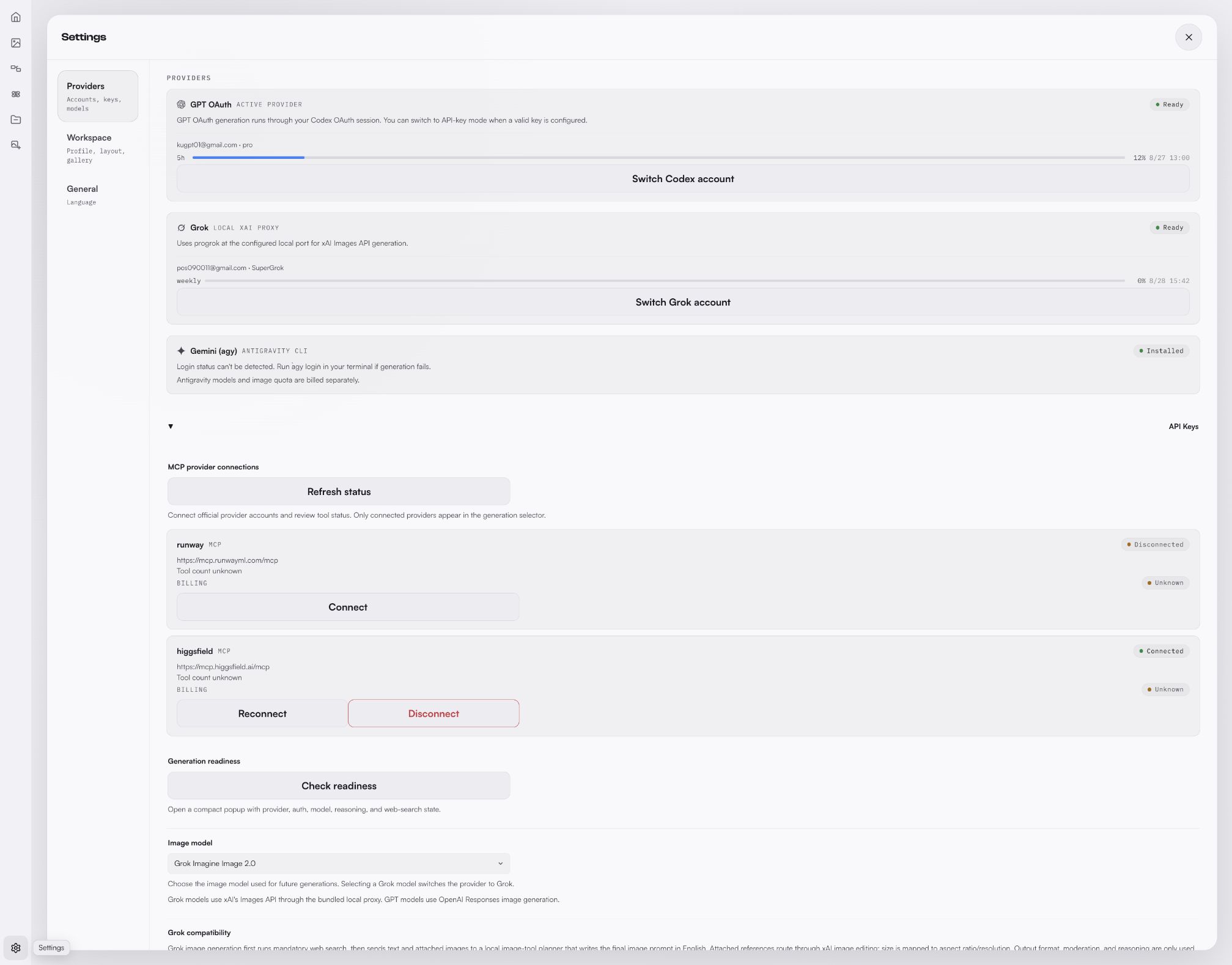
If the settings page says Configured but disabled, that means an API key exists in env/config but the current workspace is using GPT OAuth. Switch provider to API or Grok when you want those paths.
Install globally. Sign in with ChatGPT or Grok. Start creating.
Use Node mode to compare several directions from a result you like. Use Canvas Mode when the frame is close but needs targeted cleanup, background work, annotation, or alpha/matte export.
Locally. Generated images and session logs live in your user-data folder. Inspect, sync, version — your call. Image files are not uploaded to a separate remote store.
No for the default GPT OAuth path. ima2-gen can also use an OpenAI API key or Grok through an xAI OAuth session when you explicitly choose those providers.