Viewer first
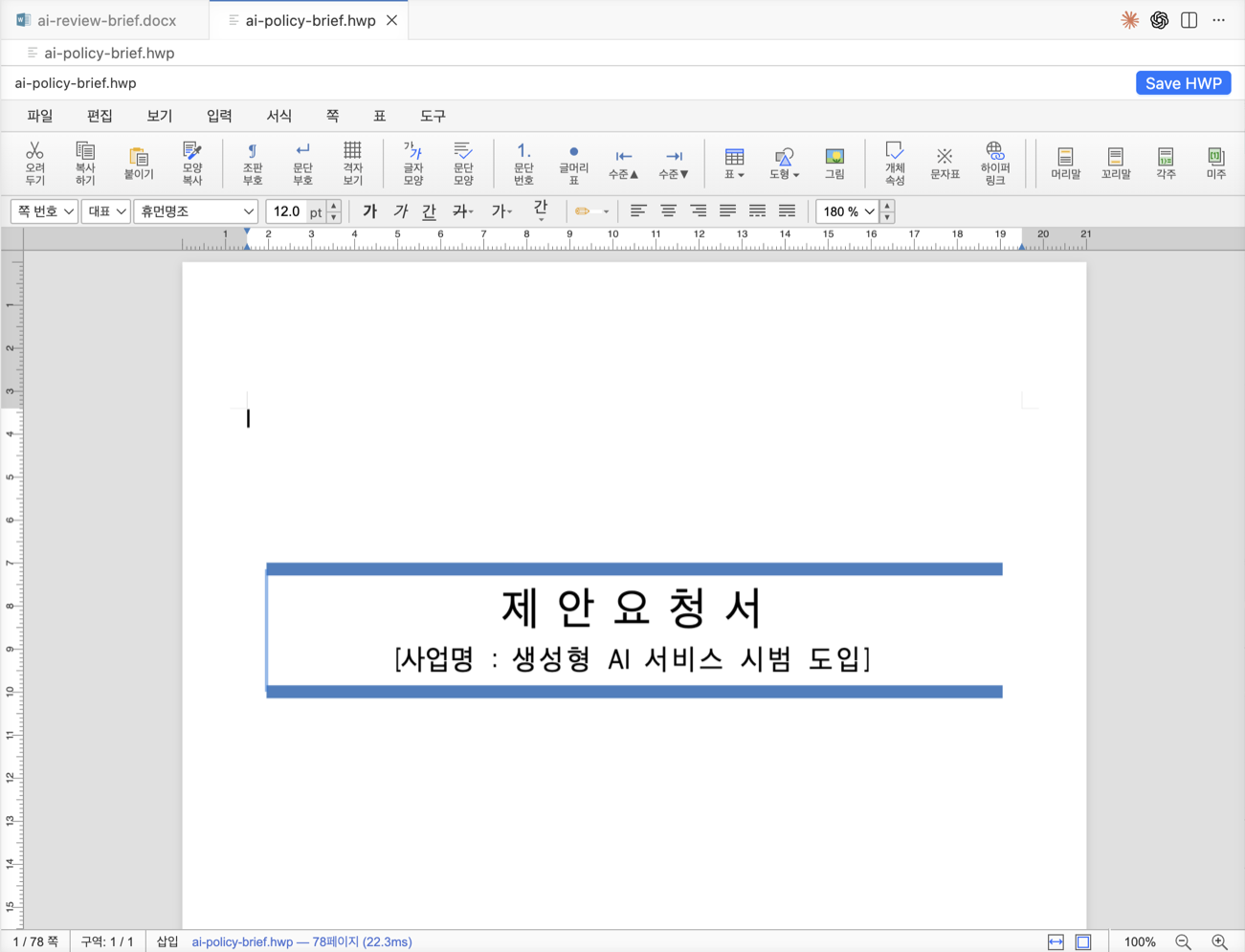
HWP/HWPX files open in a stable Viewer surface by default. Edit/View switches stay inside the same custom editor tab.

Independent VS Code extension
code-office keeps document-heavy workflows inside VS Code: local HWP/HWPX editing, editable DOCX, Markdown authoring, PowerPoint-like PPTX review, PDFs, archives, images, HTTP request files, and registry files.
Showcase
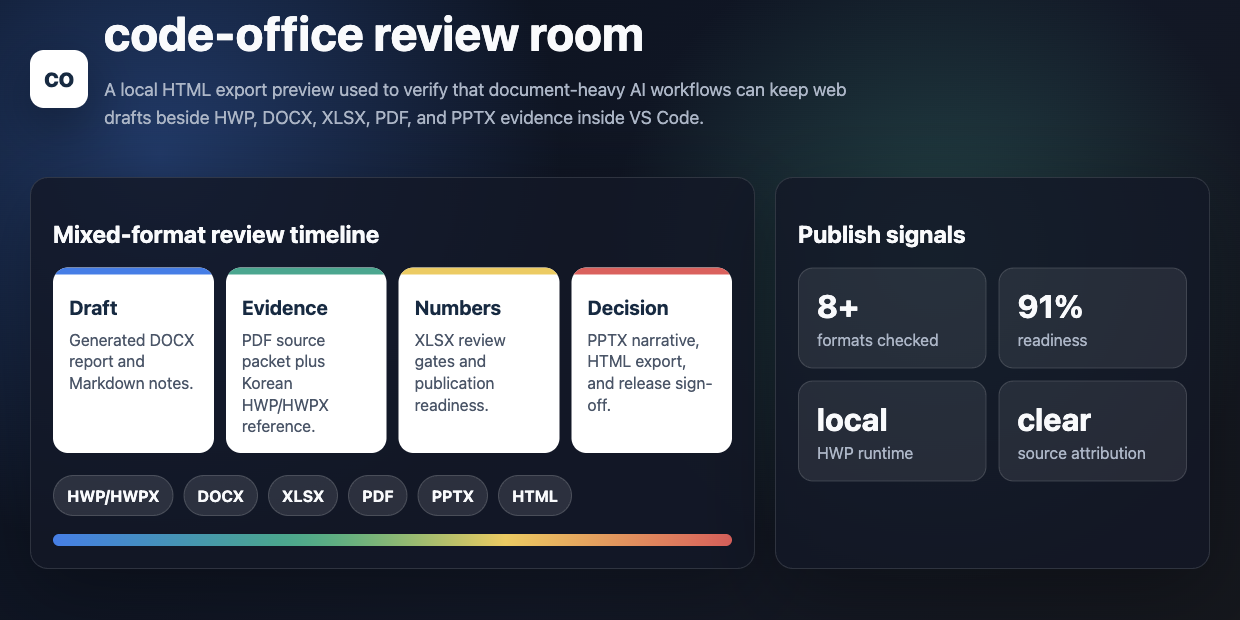
The extension is not an AI generator. It is the VS Code surface for the document formats that show up around AI-assisted work: generated DOCX drafts, Korean HWP/HWPX references, Markdown notes, PDFs, spreadsheets, archives, and source files that need to stay inspectable together.
Format wall
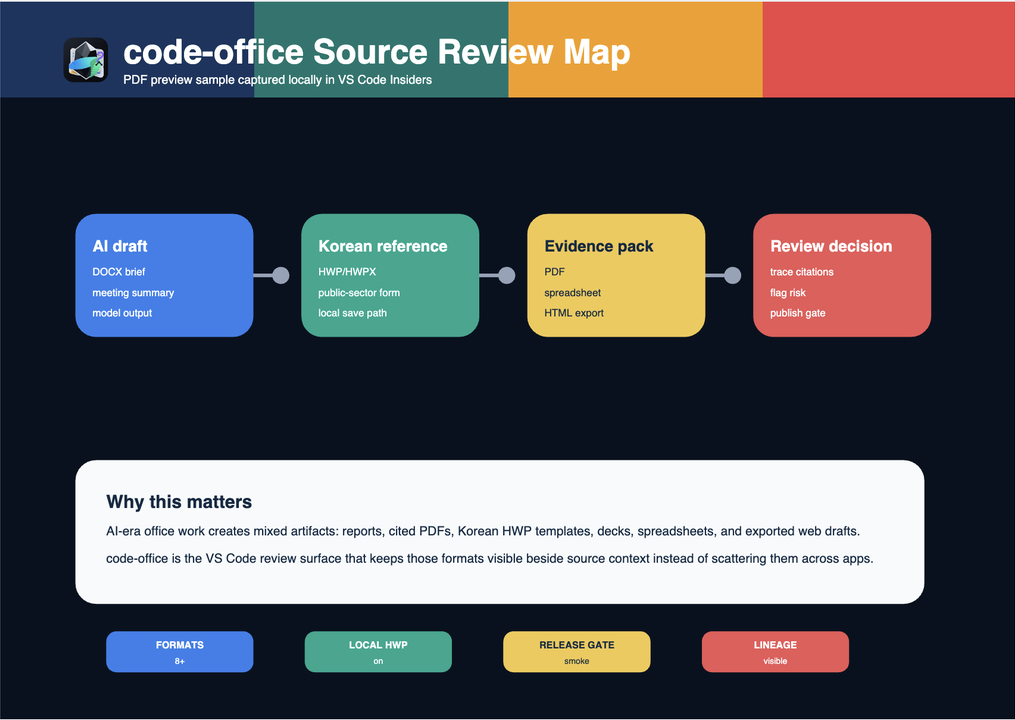
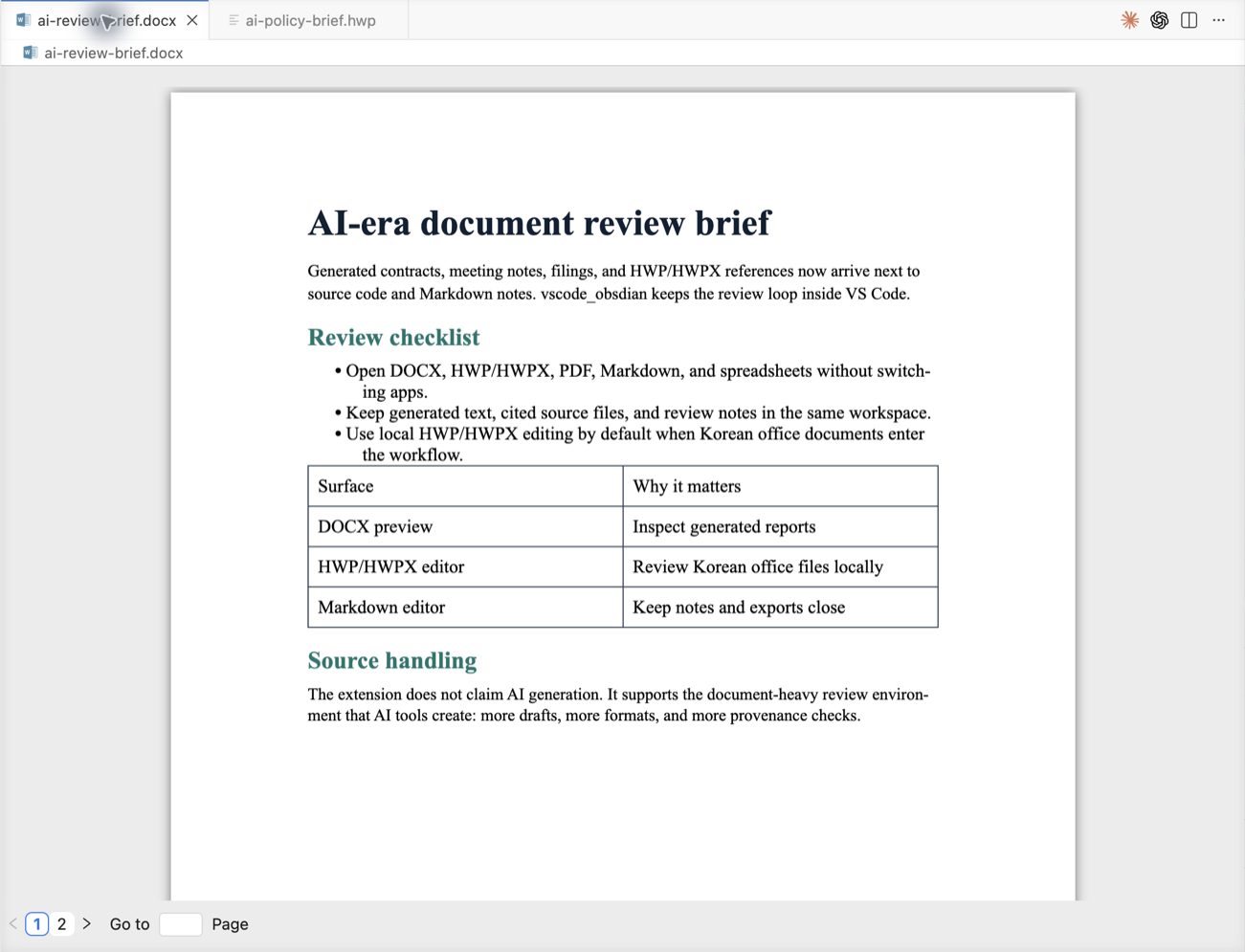
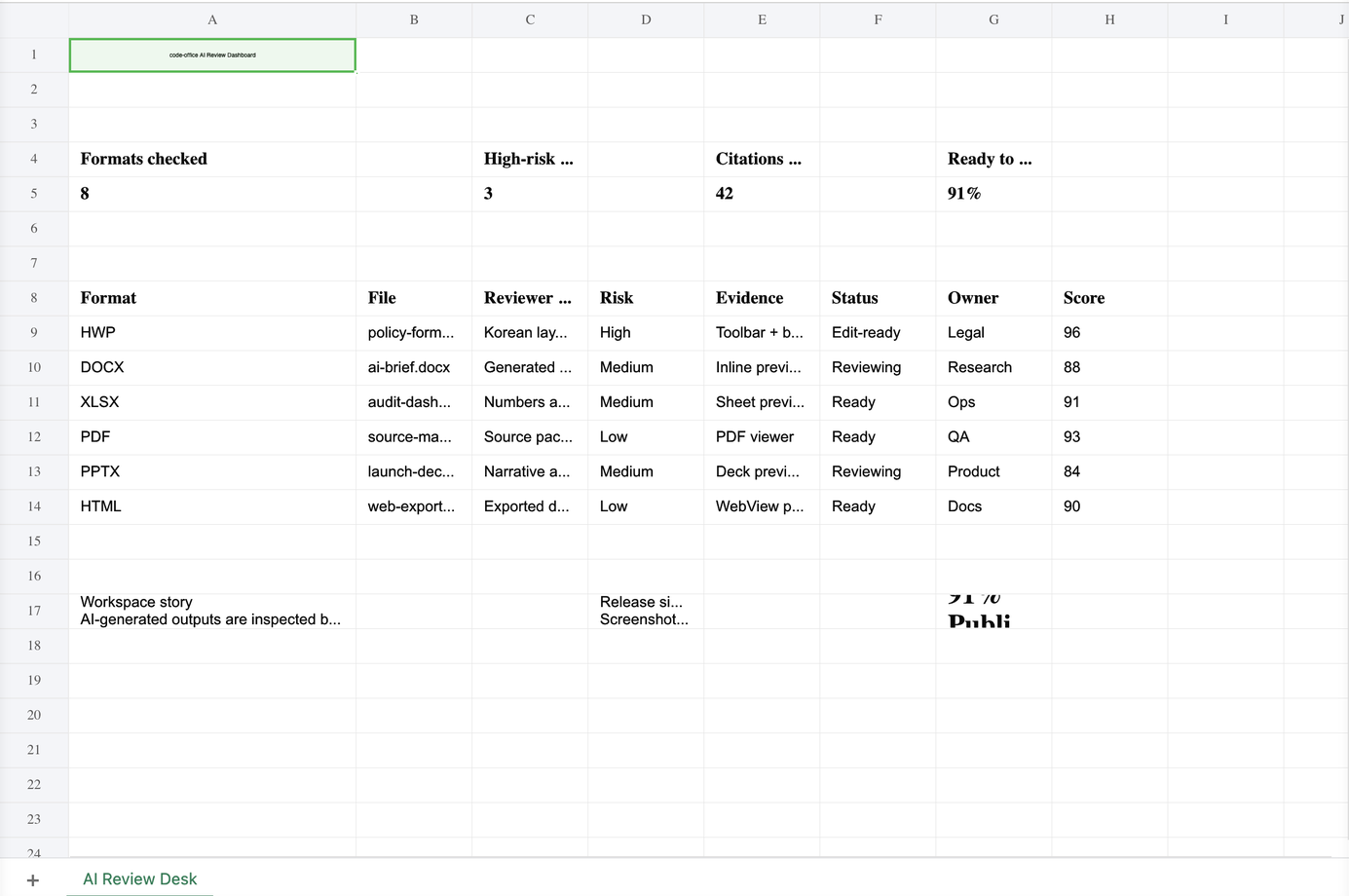
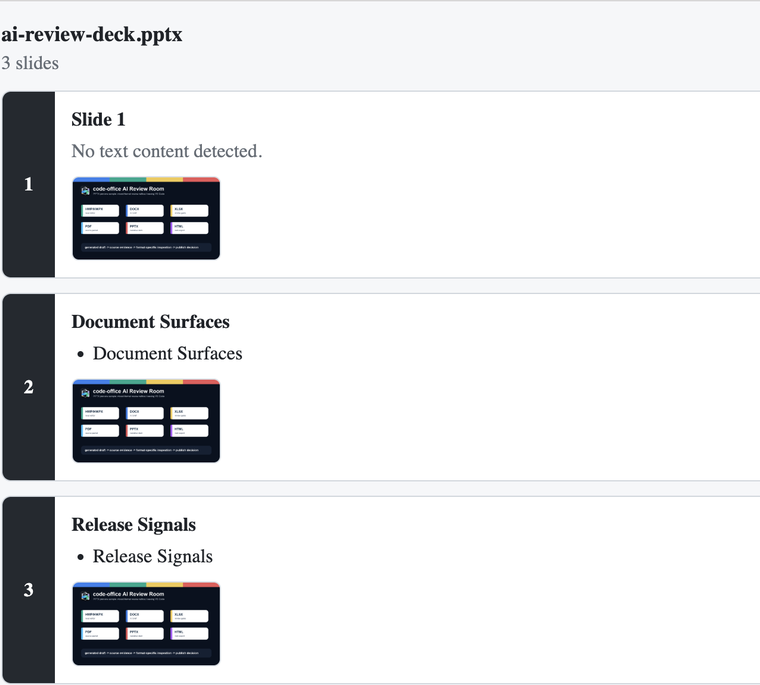
AI-era document work is rarely a single file. code-office keeps the generated brief, the Korean source form, the spreadsheet gate, the PDF evidence packet, the presentation narrative, and the HTML export visible as one workspace story.
Bundled local runtime
The default path loads a packaged rhwp-studio build from the extension,
not a remote page. The same inherited cweijan.hwpEditor
tab now owns internal Viewer and Editor modes, remembers the last mode
selected by the user, and keeps dirty state, save, backup, revert, and
format checks under VS Code's editable CustomEditor lifecycle.
HWP/HWPX files open in a stable Viewer surface by default. Edit/View switches stay inside the same custom editor tab.
The Viewer toolbar and Command Palette use a native rhwp PDF helper when the current-platform binary is packaged, then fall back to image PDF export.
Cmd+F / Ctrl+F opens HWP search inside the WebView, highlights rendered SVG text in Viewer, and routes Editor search through rhwp's own find control.
File coverage
| Family | Extensions | Mode | Implementation note |
|---|---|---|---|
| HWP / HWPX | .hwp, .hwpx | Viewer + editable | Bundled local rhwp-studio WASM runtime, native-first Save PDF, SVG/debug export, and WebView-local find highlighting. |
| Markdown | .md, .markdown | Editable | Vditor Live Preview, Reading Preview, Raw Source, boundary-aware wikilinks, and inherited export paths. |
| Word | .docx, .dotx | Editable | Dedicated DOCX custom editor using SuperDoc (@superdoc-dev/react) and the VS Code save lifecycle. |
| Excel | .xls, .xlsx, .xlsm, .csv, .ods | Preview / inherited edit paths | Spreadsheet viewer stack from the office lineage. |
| PowerPoint | .pptx, .pptm, .ppsx | Read-only viewer | PowerPoint-like viewer with visual thumbnails, resizable/collapsible sidebar, speaker notes, grid, fullscreen, presenter view, and zoom. |
| Legacy PowerPoint | .ppt | Optional fallback | LibreOffice conversion is opt-in and disabled by default. |
| PDF, images, fonts, archives | Multiple | Preview | Viewer surfaces inherited and kept behind release smoke checks. |
| HTTP, Registry, HTML | .http, .rest, .reg, .html, .htm | Tooling / preview | Legacy runtime IDs remain for compatibility. |
Install
Local VSIX fallback
npm install
npm run release:local
code-insiders --install-extension ./code-office-<version>.vsix --force
HWP/HWPX files are still registered through the inherited
cweijan.hwpEditor custom editor ID for compatibility. Public
branding and repository metadata point to this independent project.
Older vscode-obsdian.hwp.* settings are read as a fallback;
new HWP settings use code-office.hwp.*. Tag-based GitHub
Releases attach Marketplace/Open VSX VSIX artifacts with
SHA256SUMS.txt checksums; registries and the local VSIX gate
remain verified install paths.
Release artifacts: GitHub Releases. HWP support contract: HWP/HWPX compatibility matrix. Product positioning: competitive context.
Release discipline
Release source is main. VS Marketplace publishes jun6161.code-office; Open VSX publishes lidge-jun.code-office from a dedicated publisher-adjusted VSIX. The dev/wikilink-authoring-autocomplete branch is not a release source.
npm run release:localType-checks, builds, verifies HWP hardening, builds the current-platform native PDF helper, packages the VSIX, and inspects packaged contents.
.github/workflows/release.yml builds Marketplace and Open VSX VSIX files, writes SHA256SUMS.txt, creates provenance attestations, uploads workflow artifacts, and publishes tagged releases.
Checks that rhwp WASM, rhwp-vscode media, the current-platform native PDF helper, NOTICE, and LICENSE are included while vendor sources, samples, docs, native Rust source, and scripts are excluded.
Install the VSIX, open and save HWP/HWPX, then spot-check Markdown, HTML, XLSX, DOCX, PDF, PPTX, image, and archive surfaces.
Roadmap
v3.7.50).devlog/_plan/260627_upstream_rhwp_chase/).Support and safety
code-office is designed for local document review. Keep private office files out of public issues, use synthetic or redacted samples, and treat remote HWP studio URLs as trusted-code inputs.
Report reproducible bugs and feature requests with file type, VS Code version, and redacted sample details.
Read the architecture notes before changing HWP, Markdown, Office, PDF, or WebView surfaces.
Use the contribution guide for setup, local verification, and release gates before proposing changes.
Sources and attribution
code-office is distributed under AGPL-3.0-or-later after bundling SuperDoc. It still contains code derived from MIT-licensed vscode-office work and packages a local rhwp runtime. It is not affiliated with or endorsed by Obsidian, Hancom, Microsoft, cweijan/vscode-office, rjwang1982/vscode-office, SuperDoc, or rhwp.
Logo OpenAI image-generation concept, manually simplified into images/logo-new.svg.
Screenshots Local smoke captures from temporary HWP, DOCX, XLSX, PDF, PPTX, and HTML samples. Office and PDF captures use VS Code Insiders with the packaged VSIX installed; the HTML export capture uses the rendered local sample for a clean visual check.