
π01 / 13
Pi
grok-composer-2.5-fast
Settings profile API key, local proxy, or PI_CODING_AGENT_BIN
// local AI control plane
Route every coding subscription through one local system. Keep native OAuth, your preferred models, and your files on your machine.
$ jaw dashboard --status
09:41:07 task-42 routed to Claude E; Codex App and Pi armed as fallback




// manager
See every JAW home, open its live interface, manage employees, and keep work moving from one browser window.
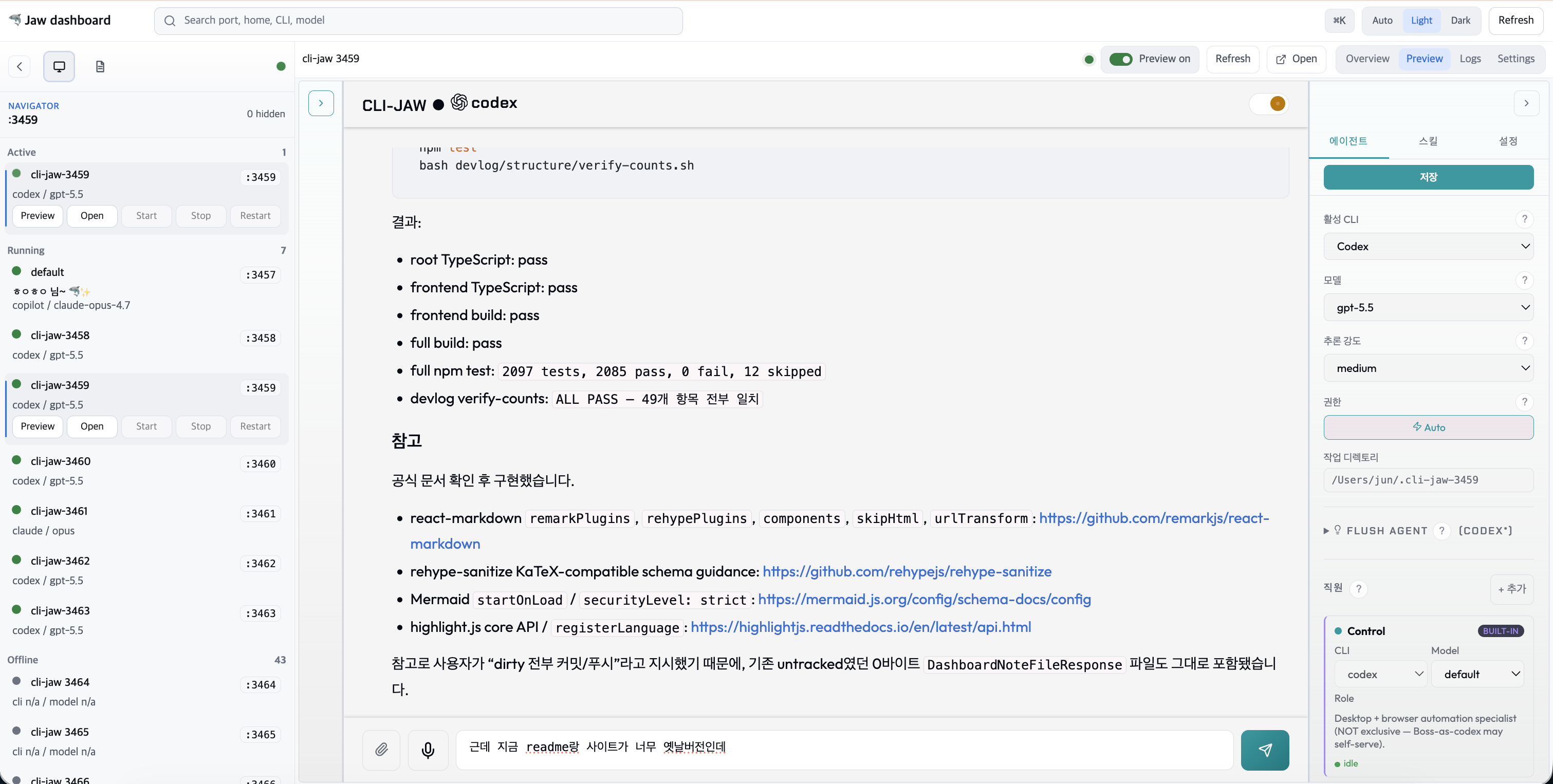
// product in motion
13 runtime surfaces
Use one runtime or all thirteen. CLI-JAW keeps each provider's native authentication, model defaults, and fallback role visible.
Built into the control plane
The dashboard, orchestration layer, skills, memory, and messaging surfaces stay connected around the work itself.
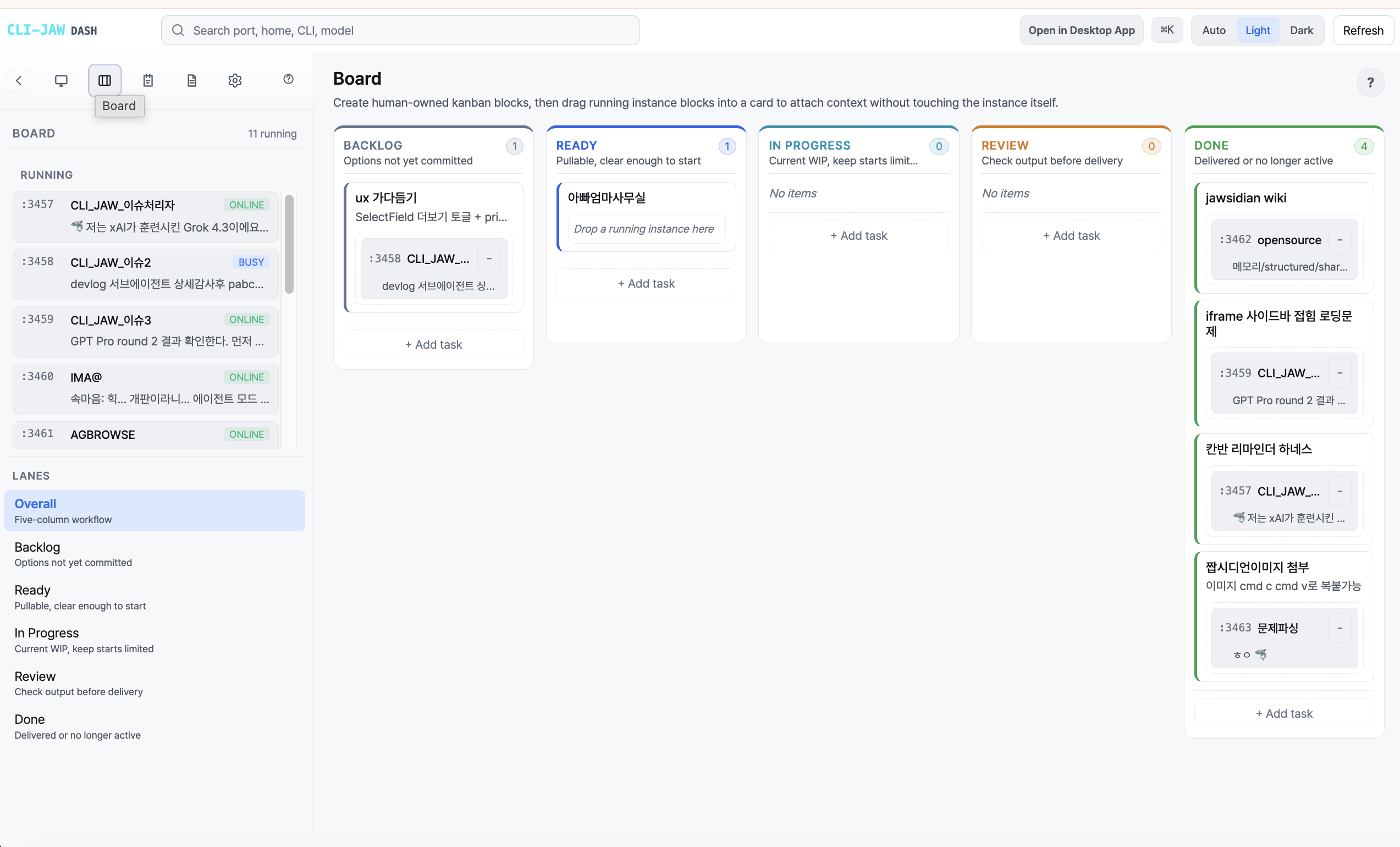
Track the task, inspect the live agent, and keep project knowledge beside it without switching products.
Project, user, and session recall keep context available across runtime changes.
Give specialist workers their own CLI, model, prompt, skills, and file scope.
Start from the desk, continue from your phone, and receive scheduled results on the channel where you already work.
Use CDP, DOM references, visual targeting, and desktop Computer Use.
Activate focused workflows for code, documents, research, media, and integrations.
Run recurring check-ins, reports, and bounded tasks on cron or intervals.
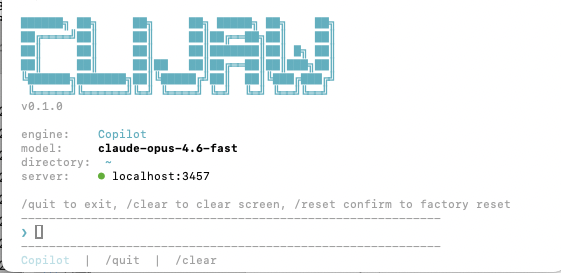
CLI, TUI, PWA, desktop, Manager, Telegram, and Discord share one event stream.
Orchestration
A persisted finite state machine separates intent, review, implementation, verification, and closure into explicit phases.
Forward transitions stay explicit, so intent remains visible.
Resume after restarts from CLI, Web, or Manager.
Separate review and implementation roles by task.
Tests and change summaries travel with the result.
Platform
Run the same control plane on a laptop, packaged desktop app, container, cloud VM, or CI worker.
DMG, NSIS, and AppImage releases include the server, Node.js sidecar, frontend, production dependencies, and a jaw command shim.
Run as a non-root user with the Chromium sandbox enabled. The agent sees the mounted workspace, not the rest of the host.
Interfaces
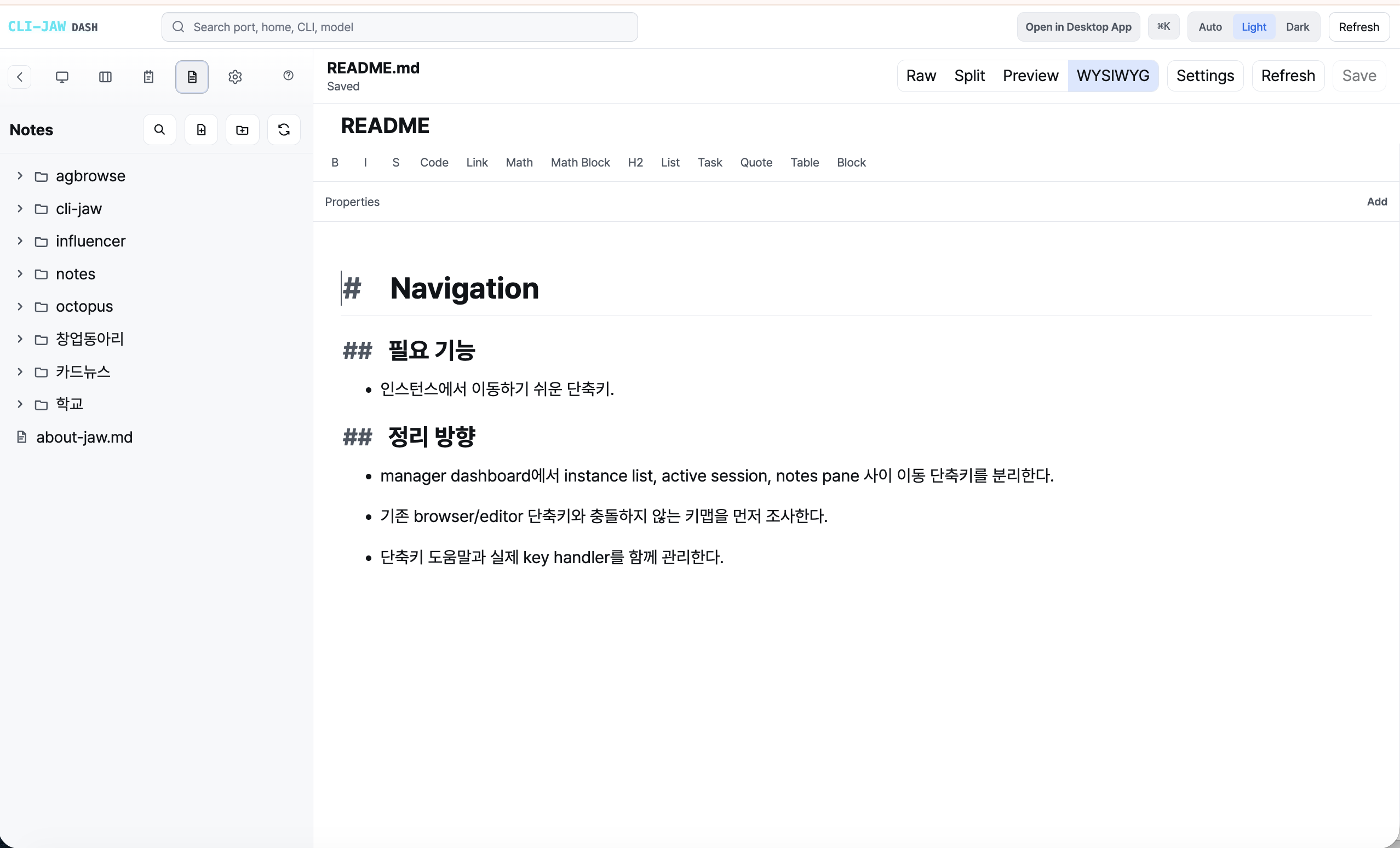
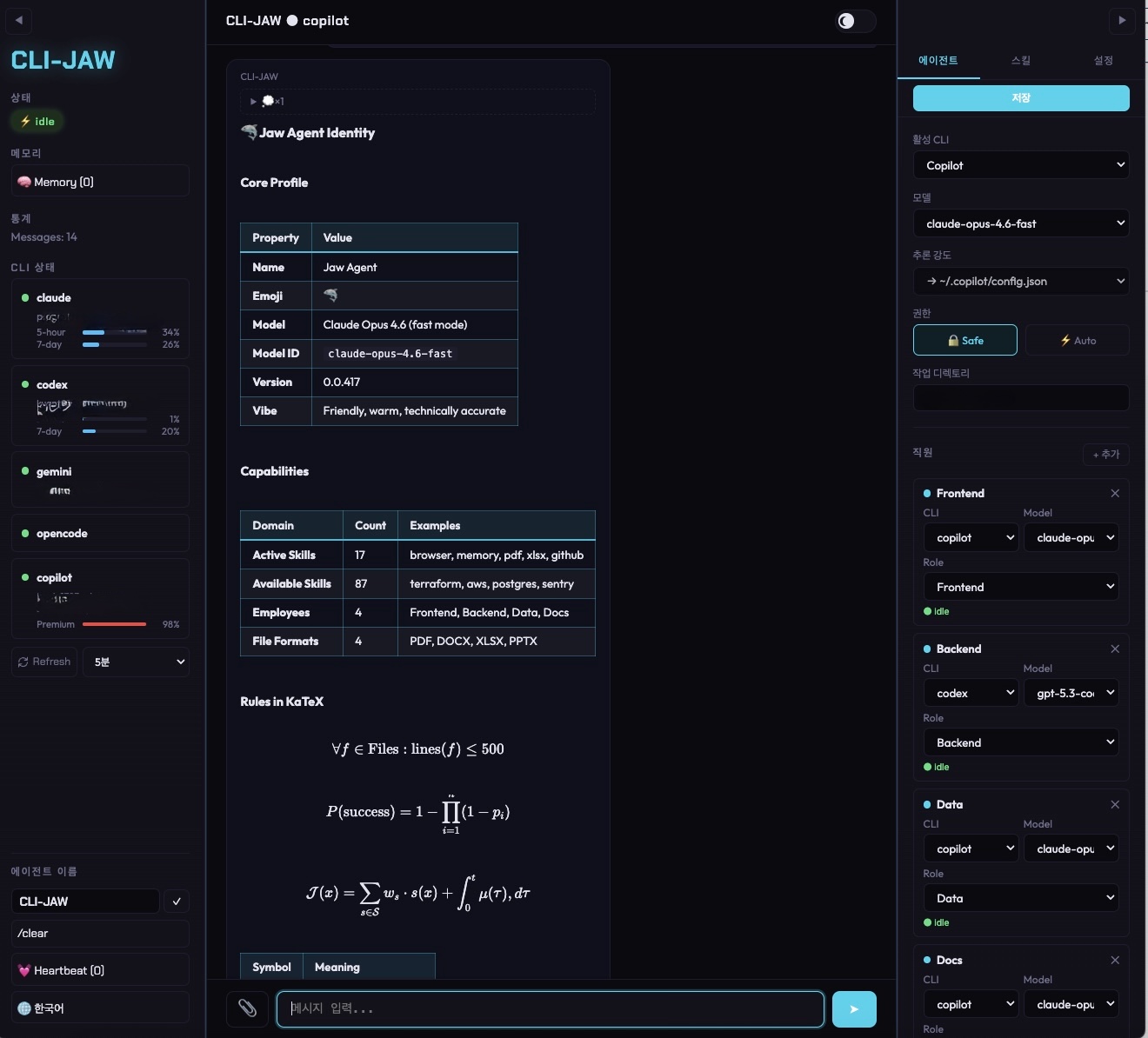
Move between Manager, Notes, chat, terminal, Telegram, and orchestration without splitting memory or configuration.
Quickstart
Start with the subscription you already have. Add more providers later from the same settings surface.
01 / Open Terminal
Open Finder → Applications → Utilities → Terminal.app, or press ⌘ Space and type Terminal.
02 / Install
The installer sets up Node.js and CLI-JAW.
03 / Launch
Open http://localhost:24576. The agent Web UI uses http://localhost:3457 with jaw serve.